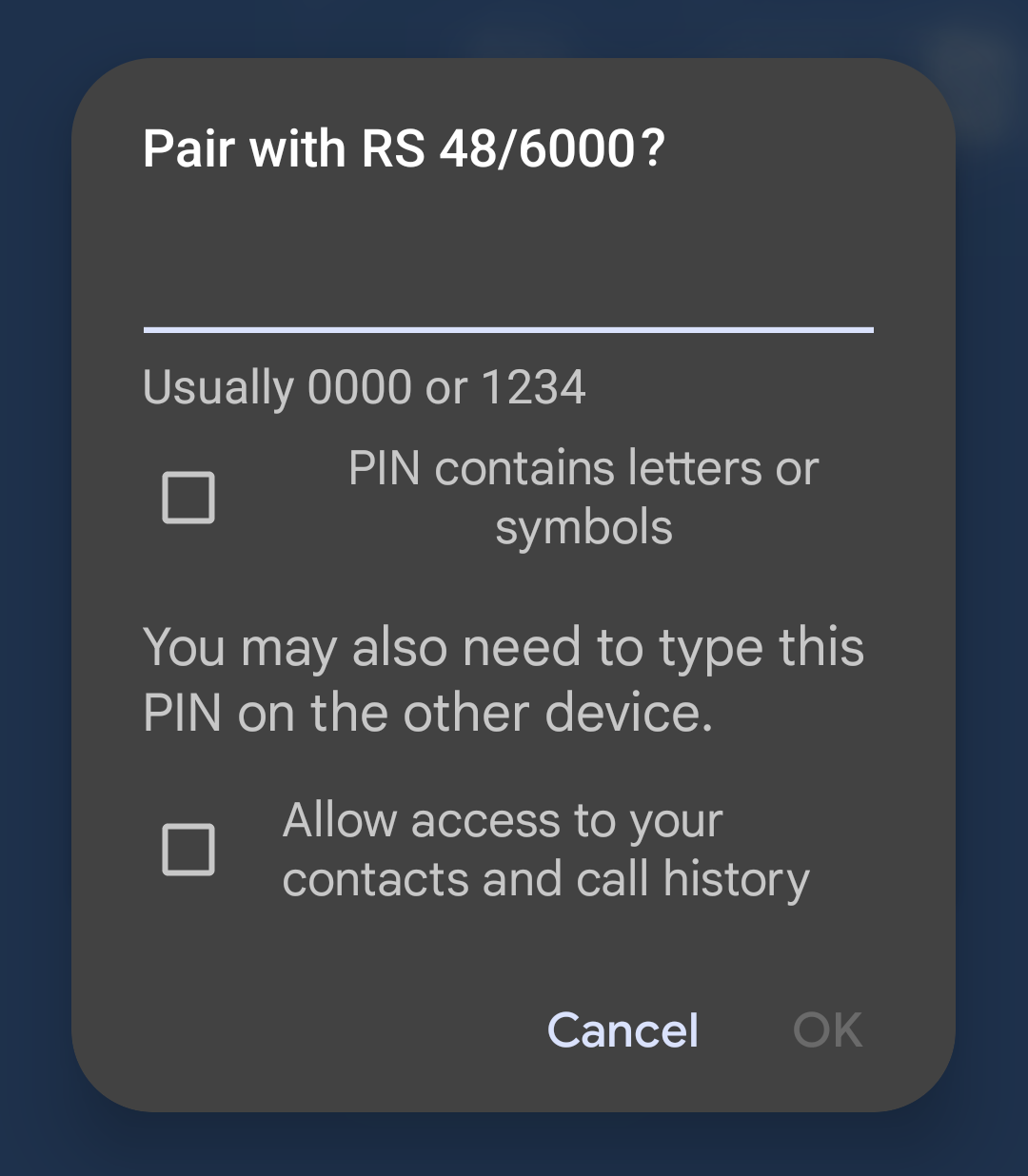
The following steps are necessary to successfully connect the Multi RS via Bluetooth and the VictronConnect app:
Make sure that Bluetooth is enabled on your Multi RS. Bluetooth is enabled by default.
Tip
If Bluetooth has been disabled before then you'll need to connect to the Multi RS using a VE.Direct to USB interface and the VictronConnect app to enable it again.
Download and install the VictronConnect app from the App Store or Google Play.
Open the VictronConnect app and scroll through the list of devices for the Multi RS.
Tap on it to launch the pairing dialog. Enter the default pairing code which is either 000000 or is a unique PIN printed on the serial number sticker of the Multi RS.
It is strongly advised, when prompted, to change the default PIN to a different one of your choice.
Once pairing is successful then the Overview page will be displayed.