3 phase programming
In order to configure a 3 phase system the Multi RS will need to be correctly installed, and running firmware version v1.13 or later.
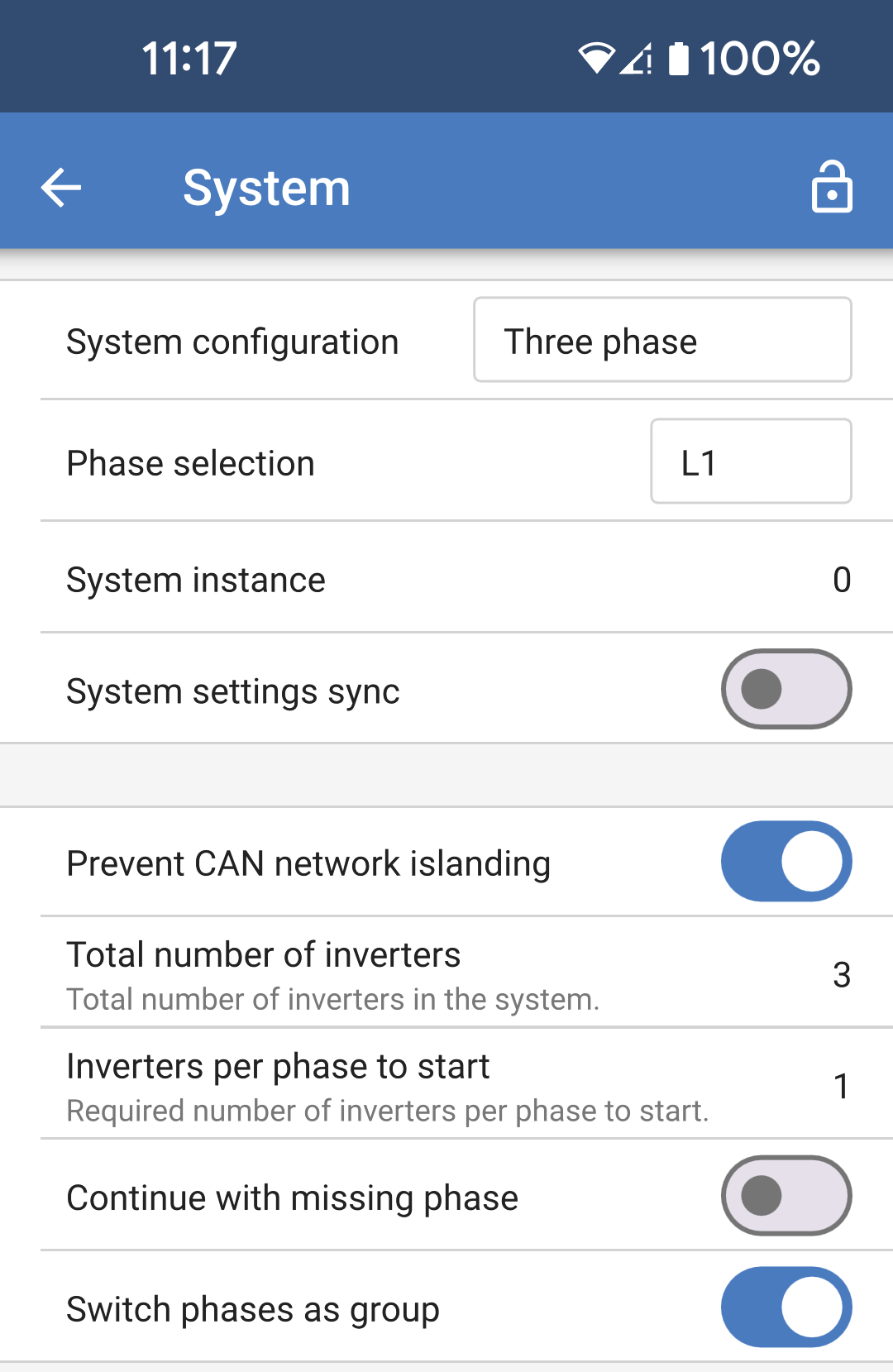
Configuring a system for three phase or single phase is done in VictronConnect in the System menu.
Caution
AC output power will be disconnected for a few seconds when switching System configuration modes. Make sure the system is configured BEFORE connecting the inverter AC outputs to the load.
Note
These System settings must be programmed individually, and set correctly on all connected units for synchronised operation.
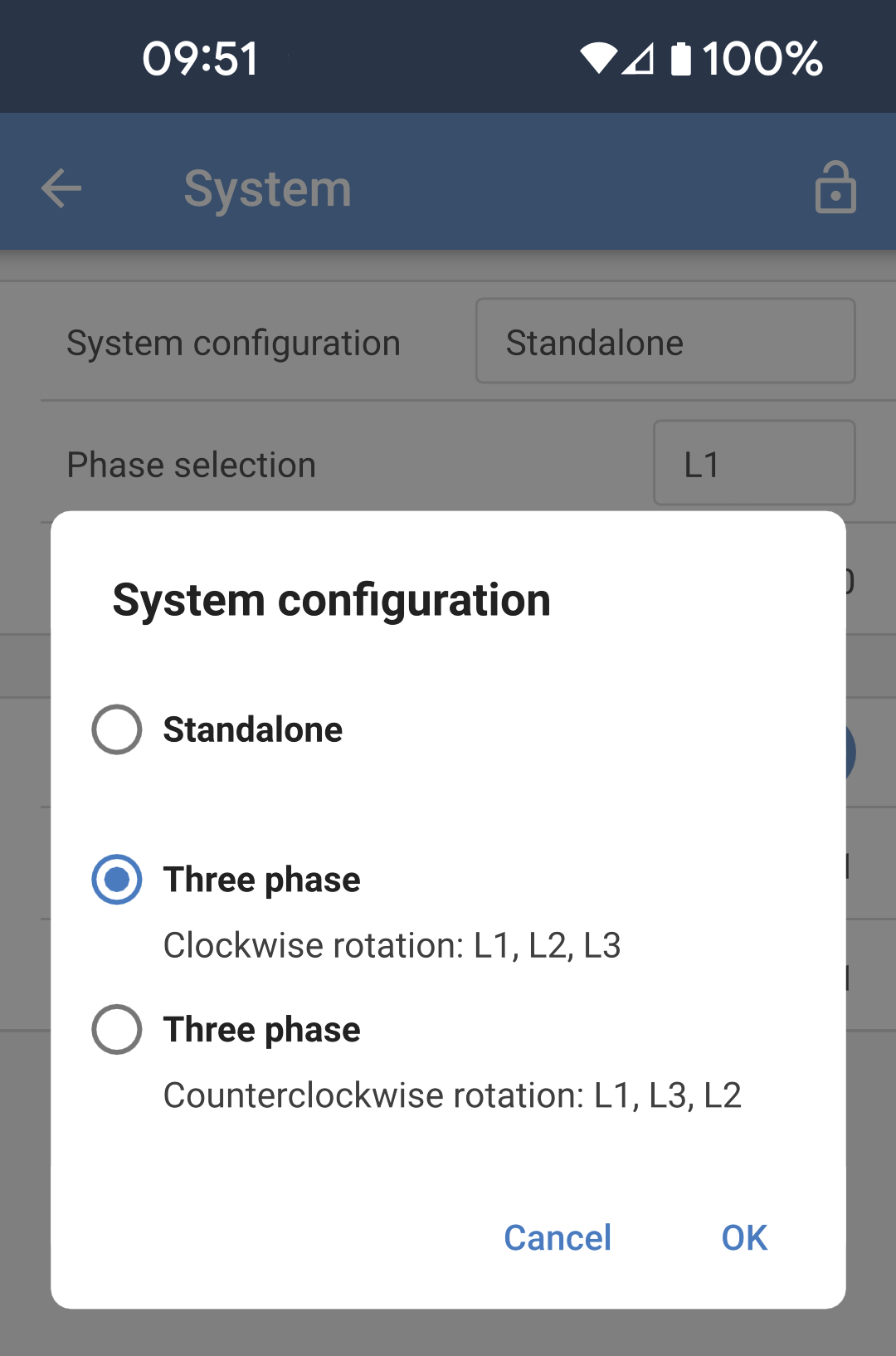
System configuration: The factory default System configuration setting is "Standalone". Tap the box to bring up a popup menu where you can select "Three phase". There are two three phase options to choose from, either clockwise or counter clockwise, depending upon the phase rotation at the installation site. You'll need to apply these same settings to each unit individually. |
|
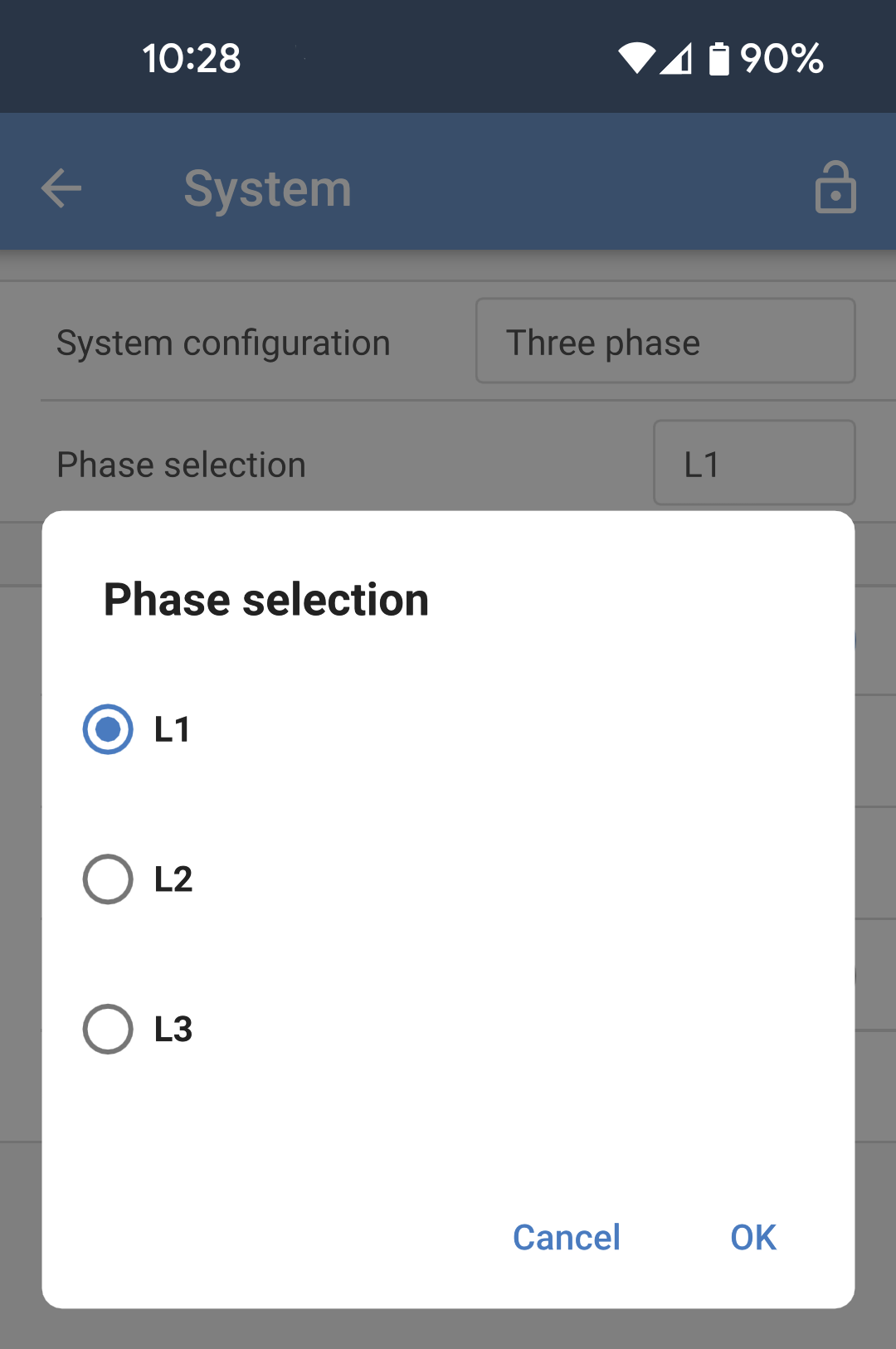
Phase selection: Select the correct phase that each particular unit is connected to. There can only be one unit per phase. Do this for each individual unit. It is also advisable to physically label each unit and also give a matching custom name in the product info settings. |
|
|
|
Note on redundancy and continuous output during firmware updates
A three phase system can be firmware updated without losing power on the AC output.
Make sure that there is stable AC input available when starting the update and the unit currently being updated will switch to AC-passthrough mode.
The AC synchronisation mechanism used for 3 phase has a 'protocol' version embedded.
Units can work together even with different firmware versions, as long as they are running the same protocol version.
This allows for continuous uninterrupted supply even when updating firmware, as the units will individually update one at a time, while others continue to synchronise and provide the stable AC output.
If Victron needs to change the 'protocol' version number, it will be clearly noted in the firmware change log. Always read this before updating.
In the event that there are multiple protocol versions running on the same VE.Can bus, all units will indicate error #71 until they are all updated to the same version.
Known Issues
The 'UPS function' is too sensitive in 3 phase operation compared to stand-alone operation. Disable the 'UPS function' in case the Multi disconnects frequently from the AC input.
Charge currents are not yet balanced across the 3-phases when the charger is in voltage-controlled mode.