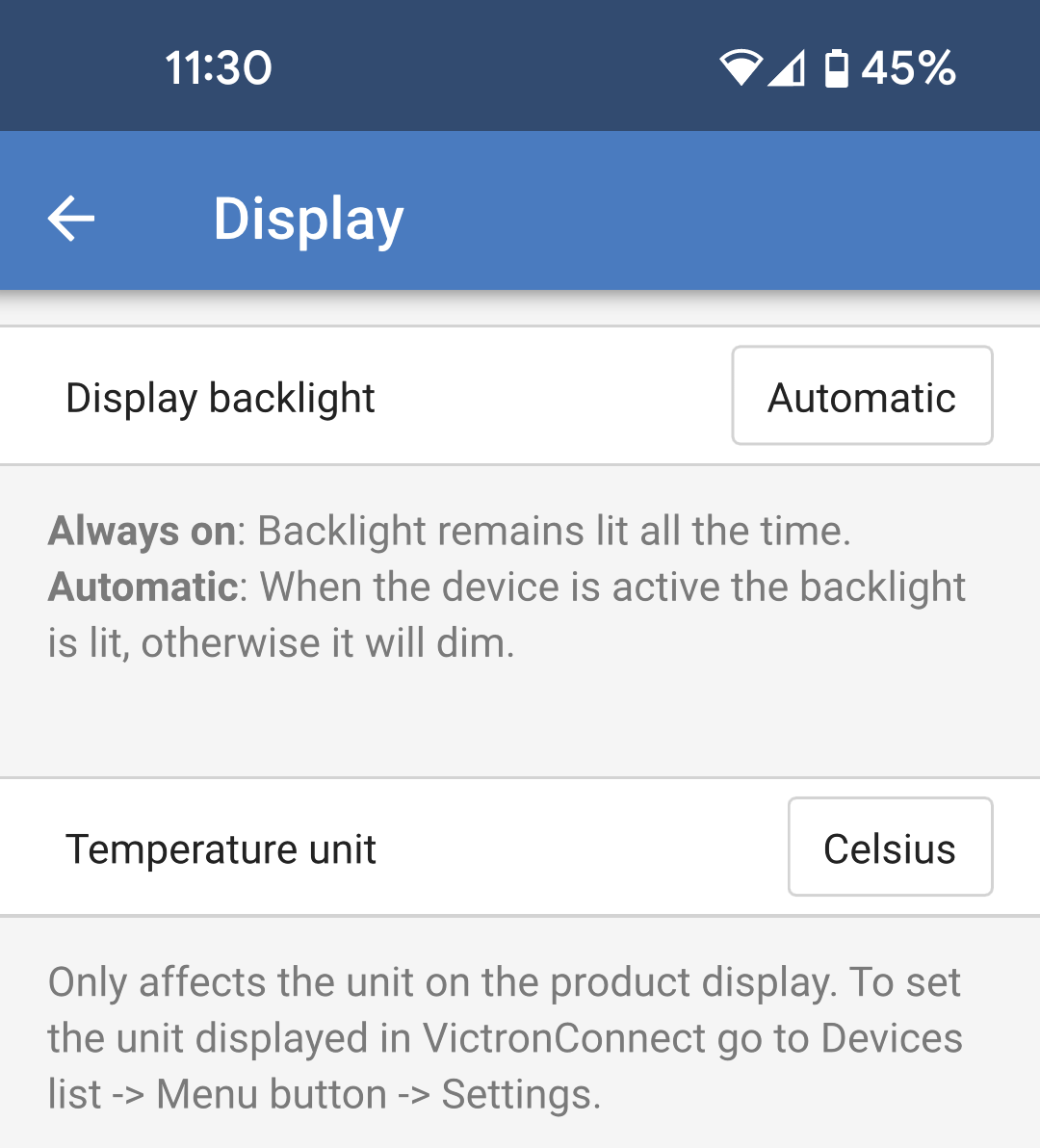
DisplayThese settings define the behaviour of the front panel LCD backlight and the temperature unit that it will display.Display backlight: Set up whether the front panel LCD backlight will be on or off.Always off: The backlight will always be off.The LCD may still be readable under strong ambient light but it will not emit light.Always on: The LCD backlight is always on making it easy to read at a glance at any time.Automatic: The LCD backlight is only on when the device is active.Temperature unit: Select which temperature unit will be used by the front panel LCD.Celcius: Temperature is displayed in °C.Fahrenheit: Temperature is displayed in °F.NoteThis setting only affects the temperature unit on the front panel LCD.