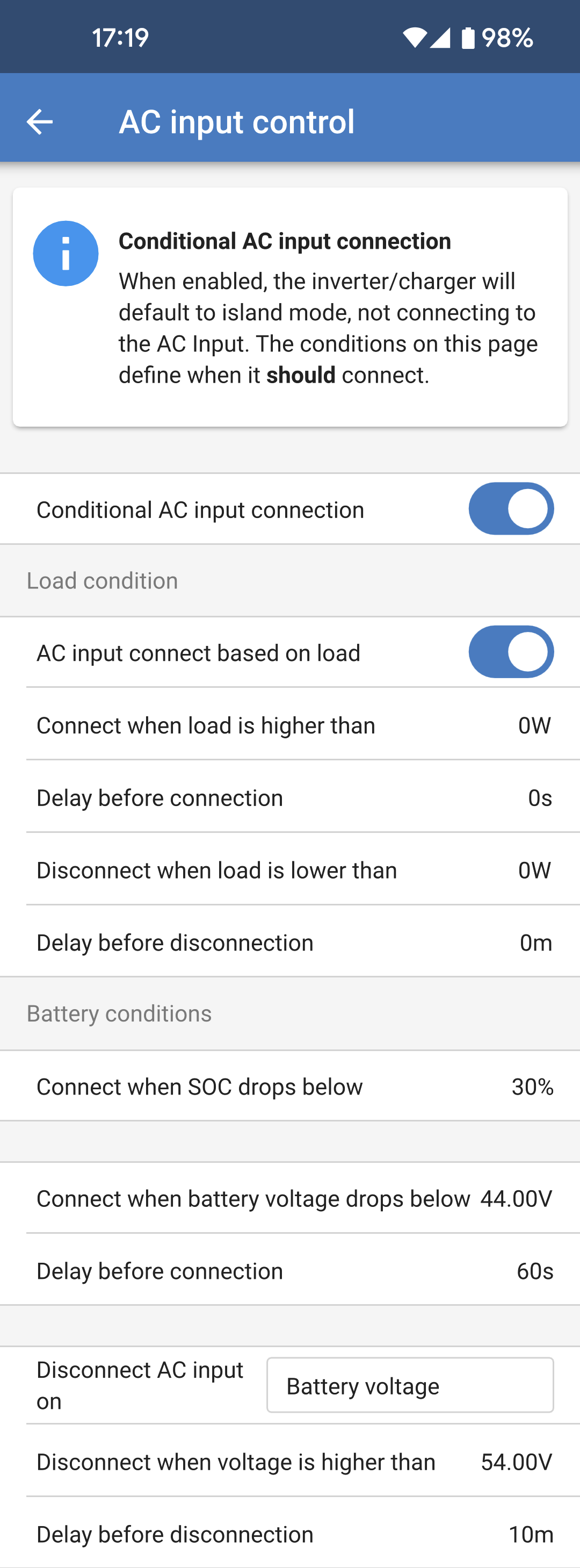
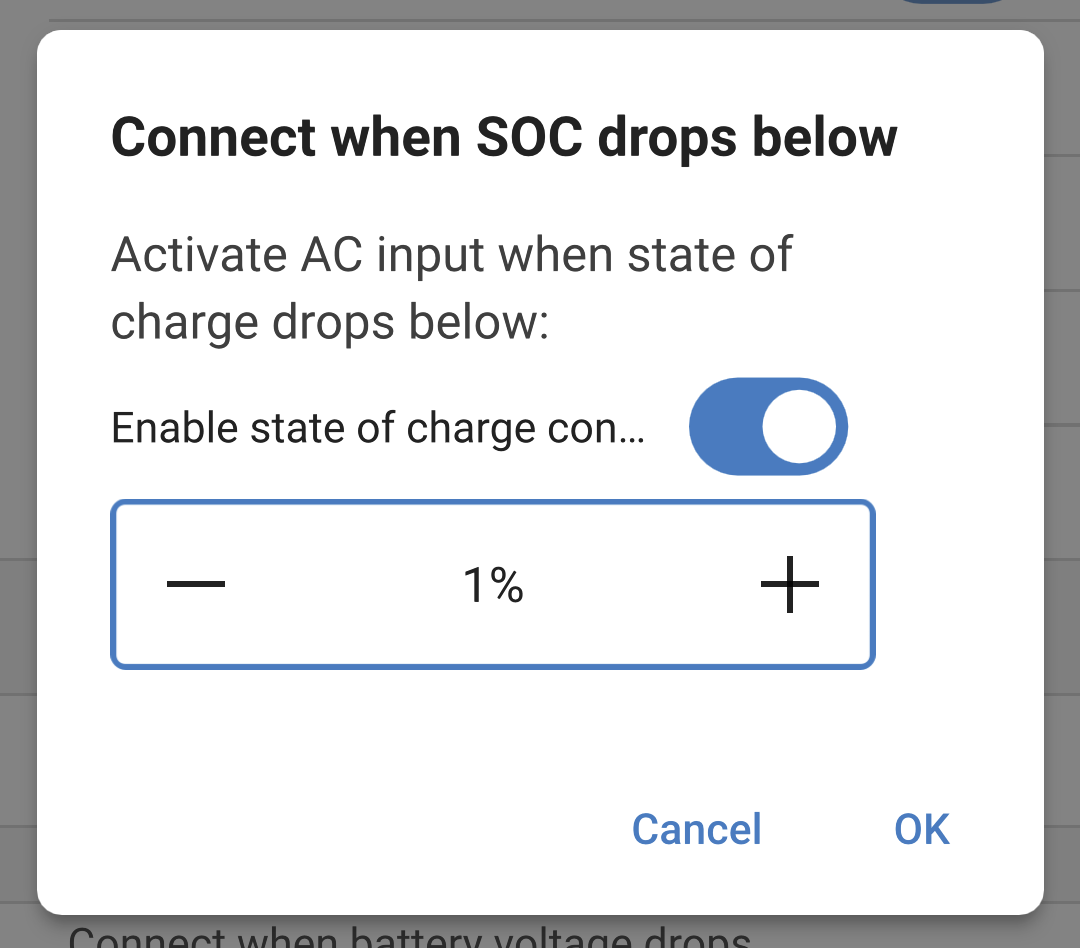
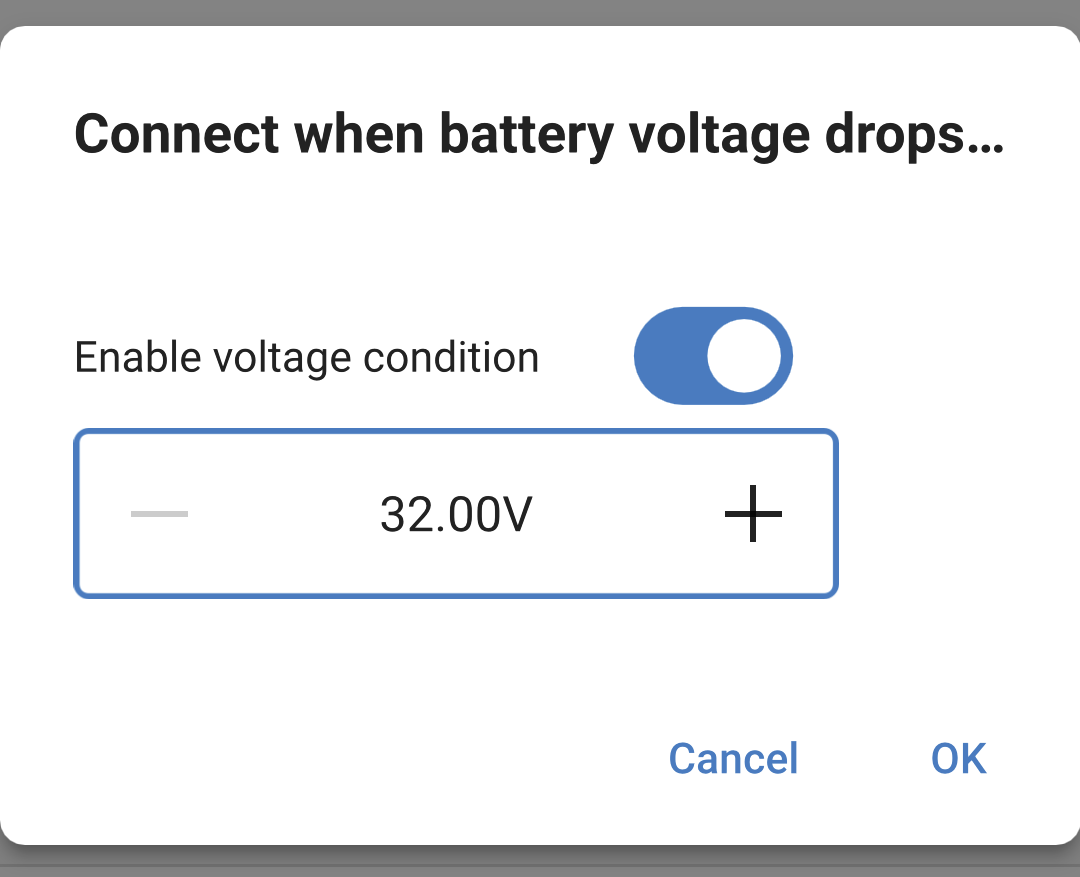
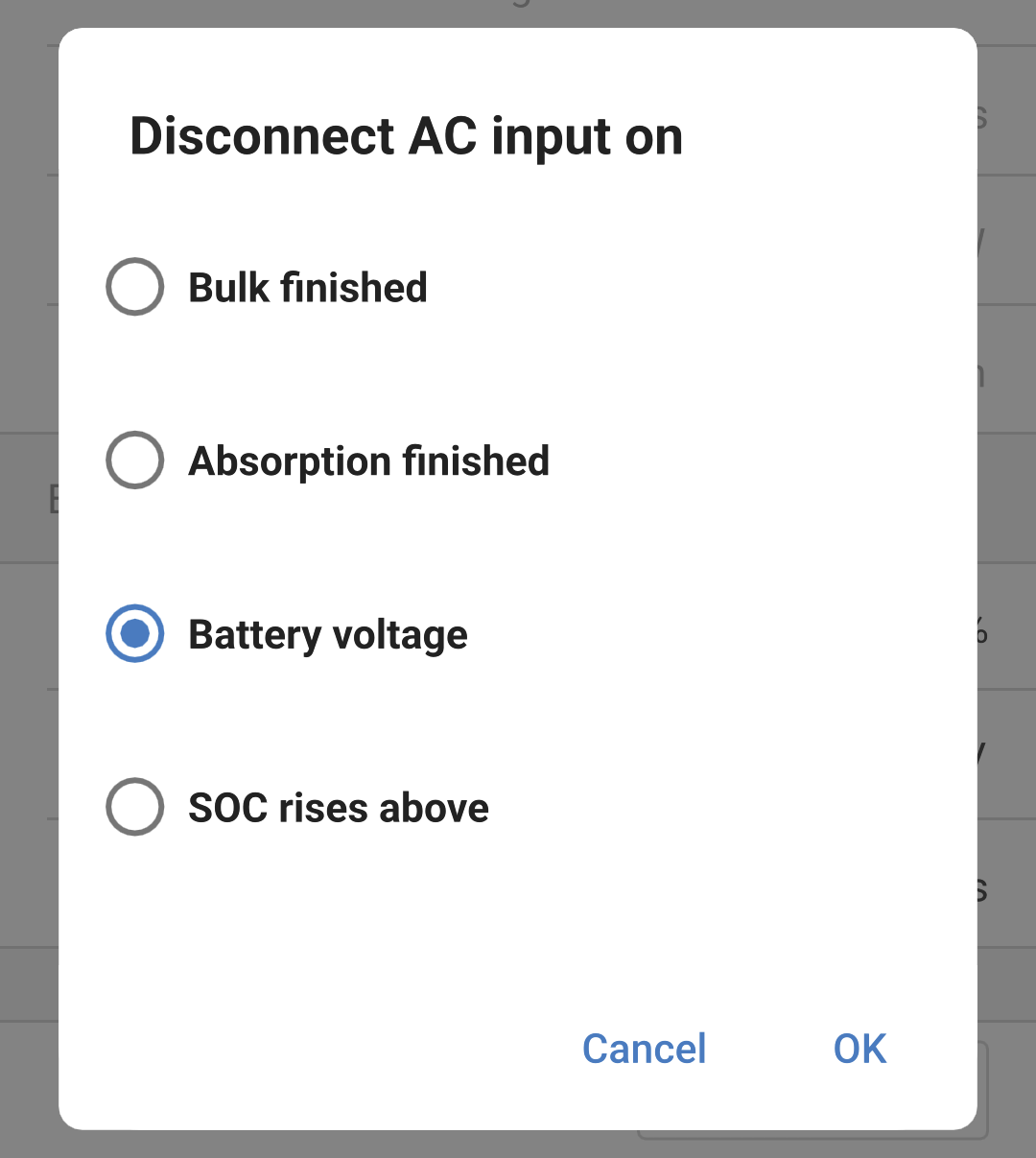
The AC Input of the Multi RS can be set up to connect to the incoming AC connection under a variety of conditions. This means that the AC loads, when higher than what the inverter can supply, shall continue to be powered from the AC input. NoteIf you enable conditional AC input connection then the AC input will be disconnected. It will only connect if one of the conditions is satisfied. Load condition: AC input connect based on load: This option can be enabled to allow the AC input to be connected if the load on the AC output reaches a defined limit. Connect when load is higher than: After the AC load increases above this limit then the AC input will connect. Delay before connection: A delay can be set so that a certain amount of time can pass before the AC input connects due to a high load condition. Set this value to 0s if you don't want any delay. Disconnect when load is lower than: After a high AC load condition and the AC load reduces to a more normal level again, the AC input can then be disconnected, and all of the load will be supplied by the inverter. A lower threshold can be set to ensure that any higher than normal load fluctuations have passed before disconnecting the AC input. Delay before disconnection: A delay for the disconnect limit can also be given.
| |