Multi RS

Overview page

The main overview page provides at-a-glance information of the Multi RS. It is divided into four tabs:

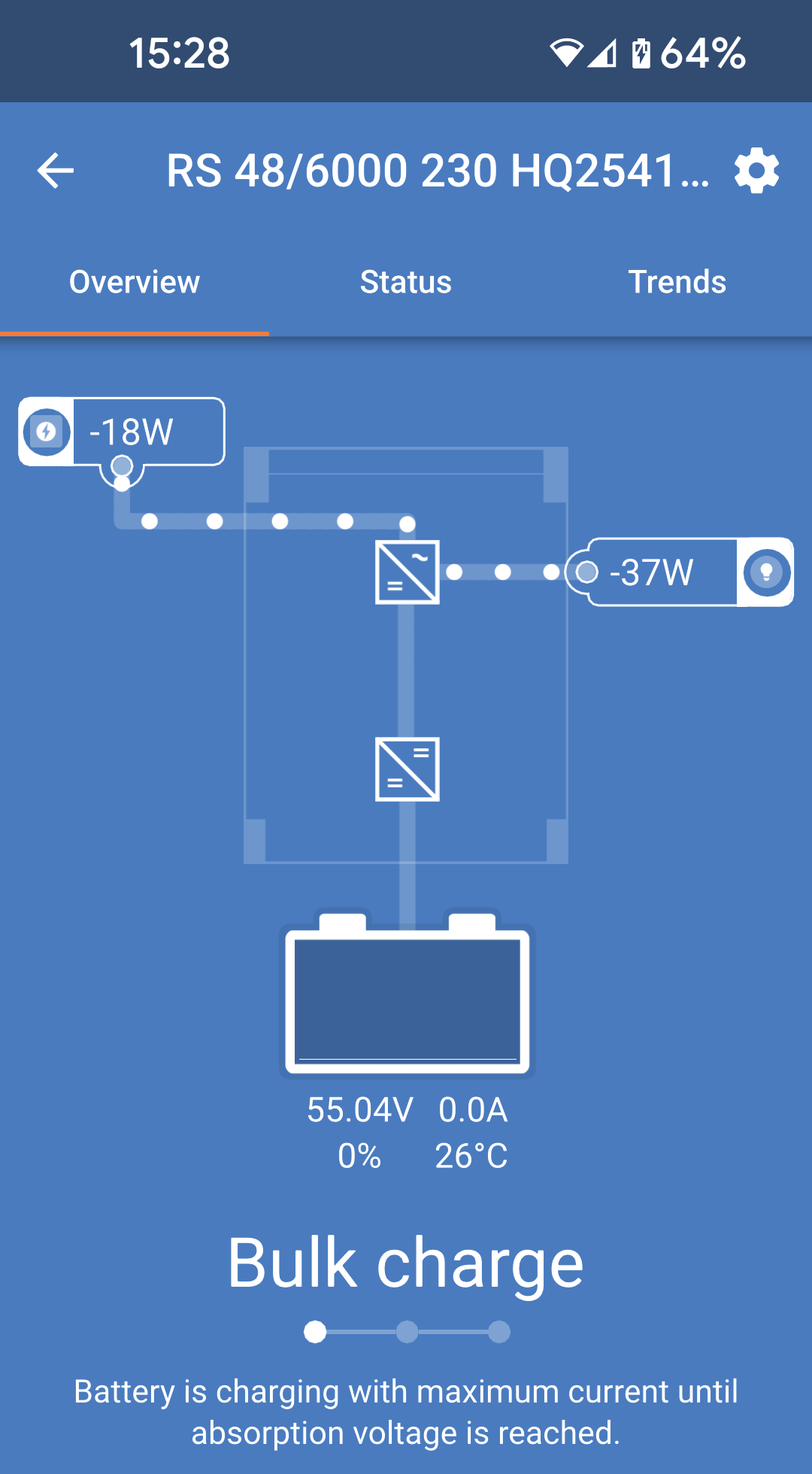
  • Overview: Instant readout of the basic state of the solar power yield, AC input and AC output.

  • Status: Instant readout of the basic state of the MPPT charger.

  • History: View up to the last 30 days of solar and battery data.

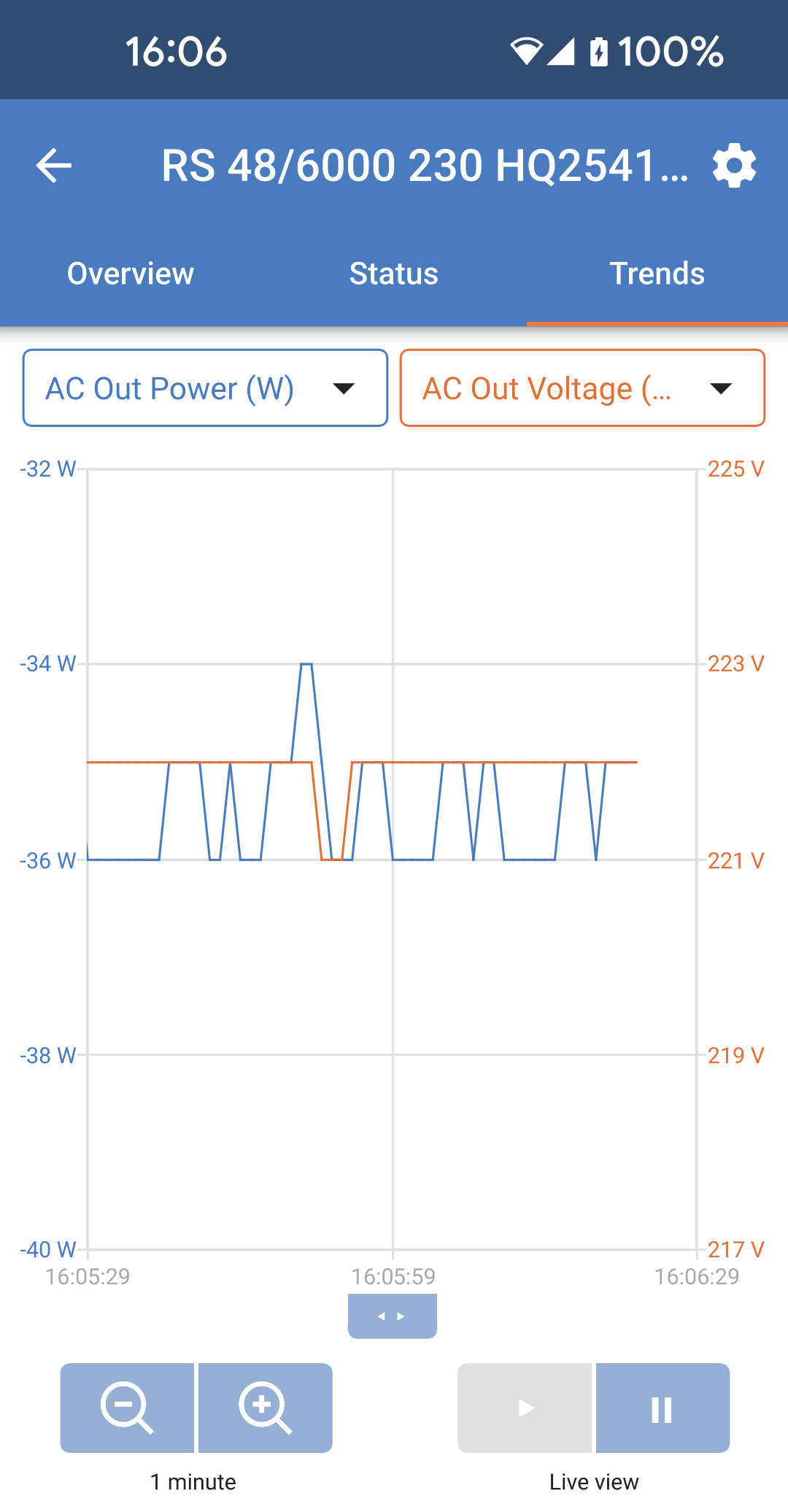
  • Trends: Review current trend data.

Overview:

  • AC input: The top left icon displays the AC input power. A negative value means that power is being exported to the grid.

  • AC output: The AC output power is displayed.

  • Battery: Below the battery graphic, the voltage, current and state of charge are shown.

MultiRS_Overview.png

Status tab:

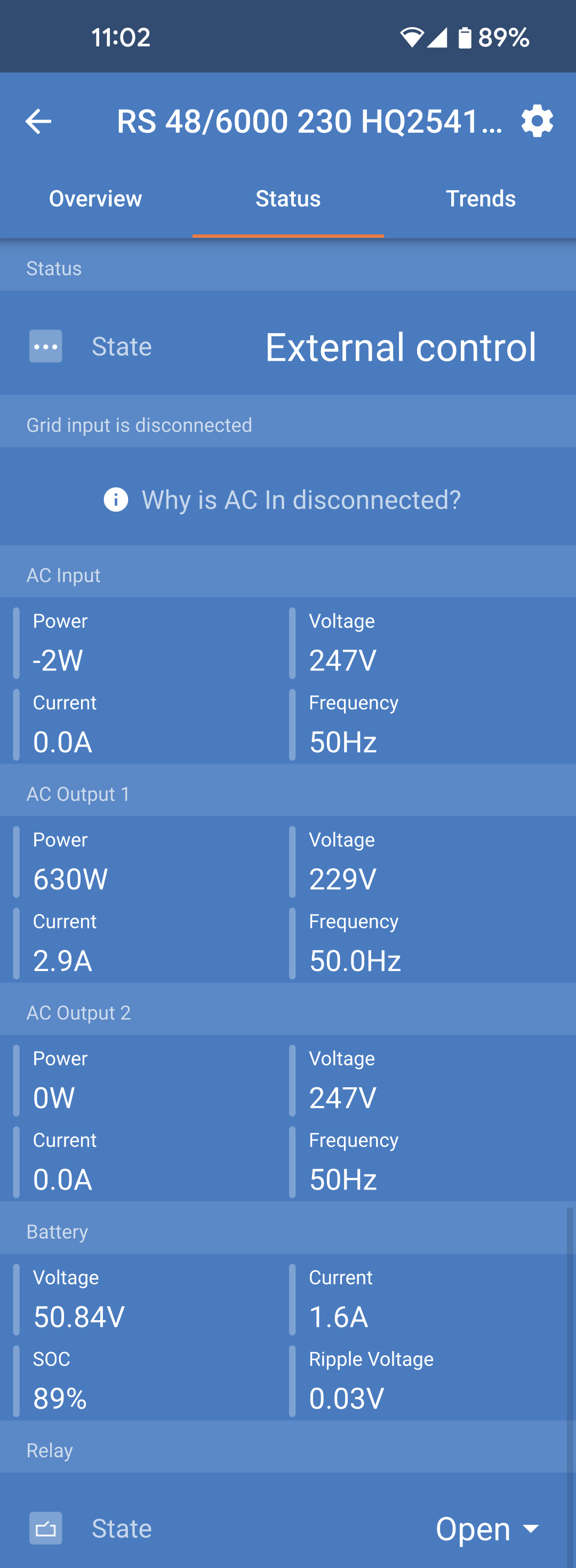
The status tab provides more detailed information than the overview tab.

  • AC Input: AC input power, current, voltage and frequency as shown. Negative values indicate that power is being exported.

  • AC Output 1: Shows the power, current, voltage and frequency at the AC output.

  • AC Output 2: This shows the same parameters as the AC output 1.

  • Battery: The battery voltage, State of Charge (SOC), current and DC ripple voltage are displayed.

  • Relay: The status of the relay contacts is shown. If the relay mode is set to manual, then the relay can also be controlled here by tapping on the status dropdown at the right.

MultiRS_Status.png

More detailed state information:

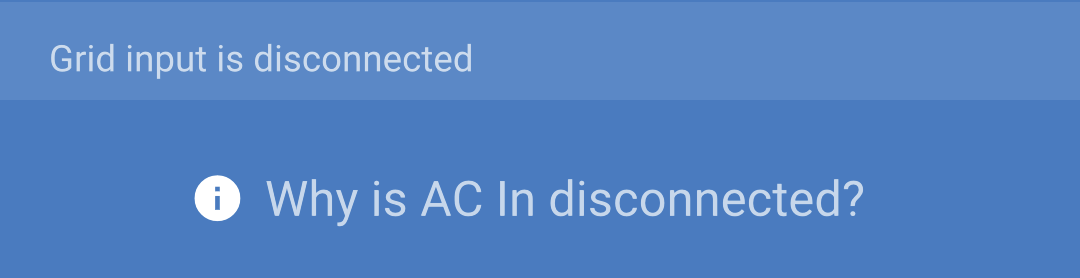
In case the Multi RS has a problem, then a reason may be provided alongside an exclamation symbol. In this example "Why is AC in disconnected?"

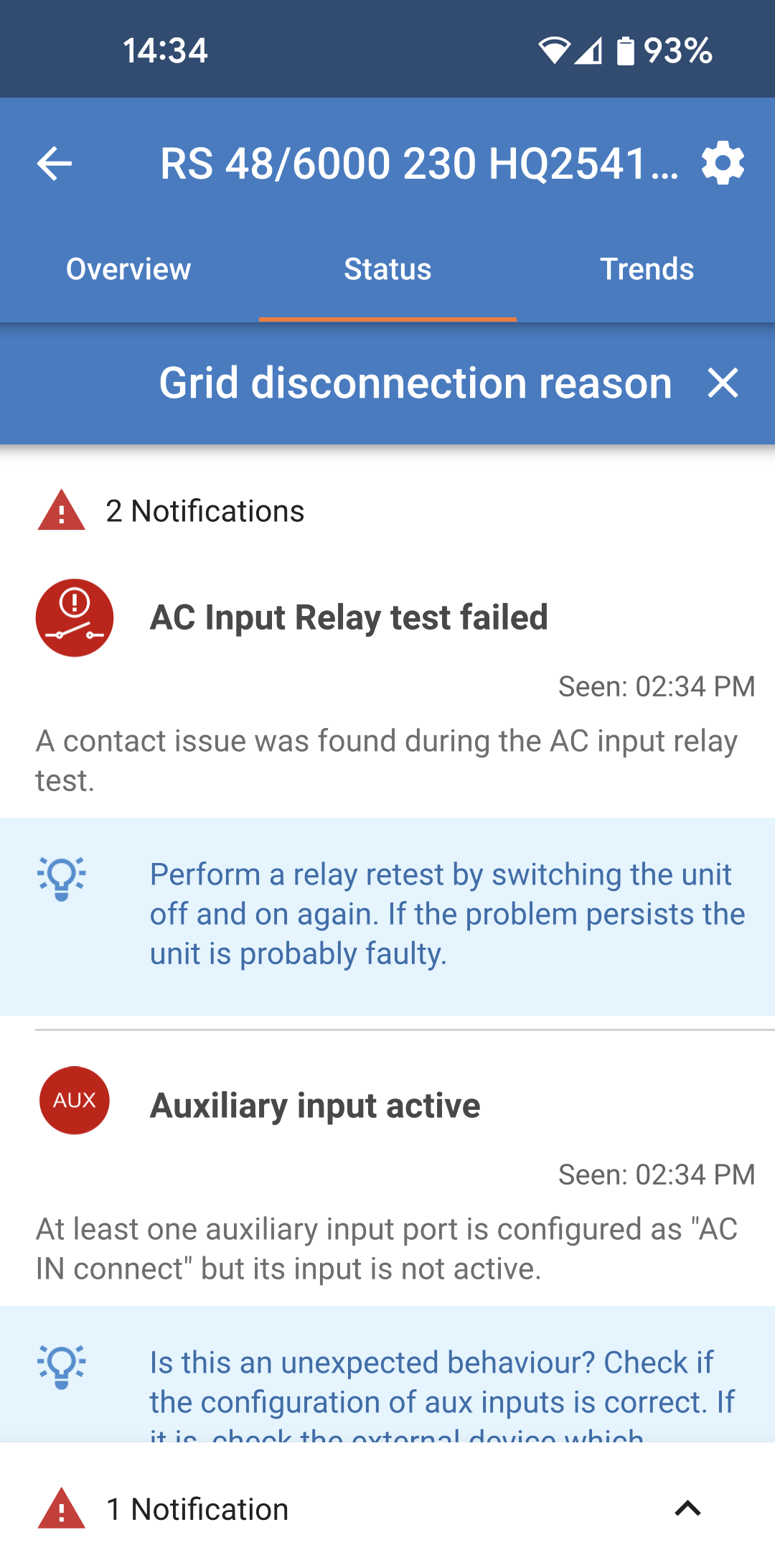
Tap this information field to bring up a popup window which will provide more information and some troubleshooting tips.

MultiRS_Why_AC_disconnected.png
MultiRS_Errors_page.png

Trends tab:

  • Two different data points can be selected using the drop down menus just above the graph.

  • A graph will be rendered according to the selected parameters.

MultiRS_Trends.png