Multi RS

Aux Input

Each of the two Aux inputs can be assigned to a certain function.

Note

If any grid code functions for Aux inputs have been defined in the grid code settings, these will take priority. Those functions will be shown but they will be greyed out.

See the Auxiliary inputs section for more details.

There are two auxiliary inputs available via the user I/O terminal connector. These are labelled AUX_IN1 and AUX_IN2 and correspond to the ones defined in the Aux Input settings.

Different functions can be assigned to each input. If the same function is applied to both inputs, then they both need to be active before any action is taken.

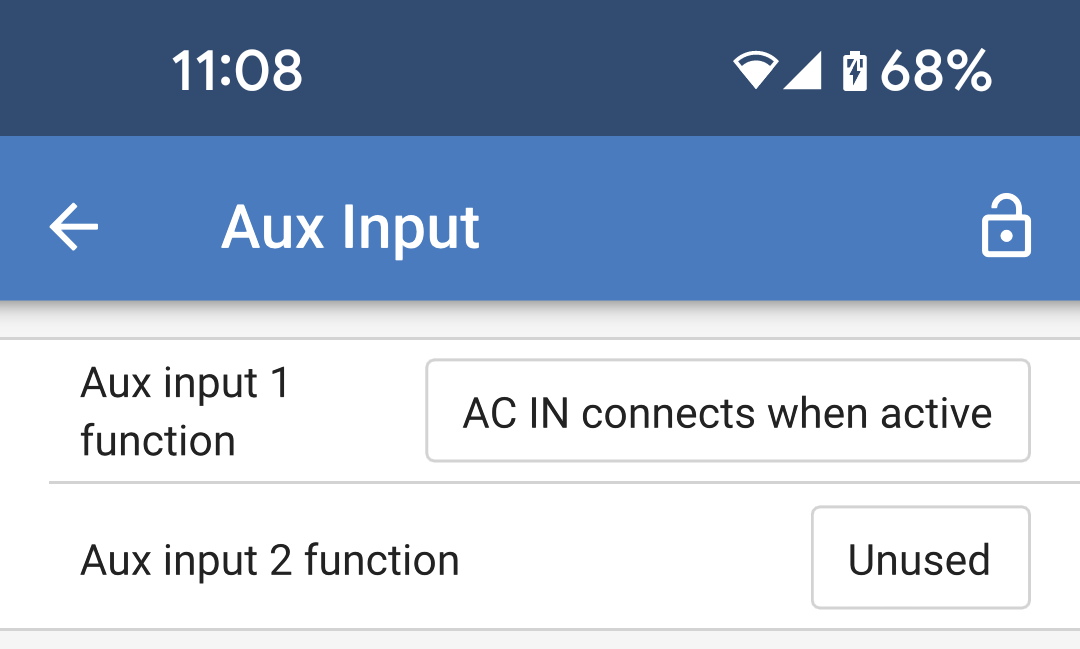
By default, these are set to unused. Tap on the box to the right of one of the Aux inputs to select a function.

MultiRS_Aux_Input.png

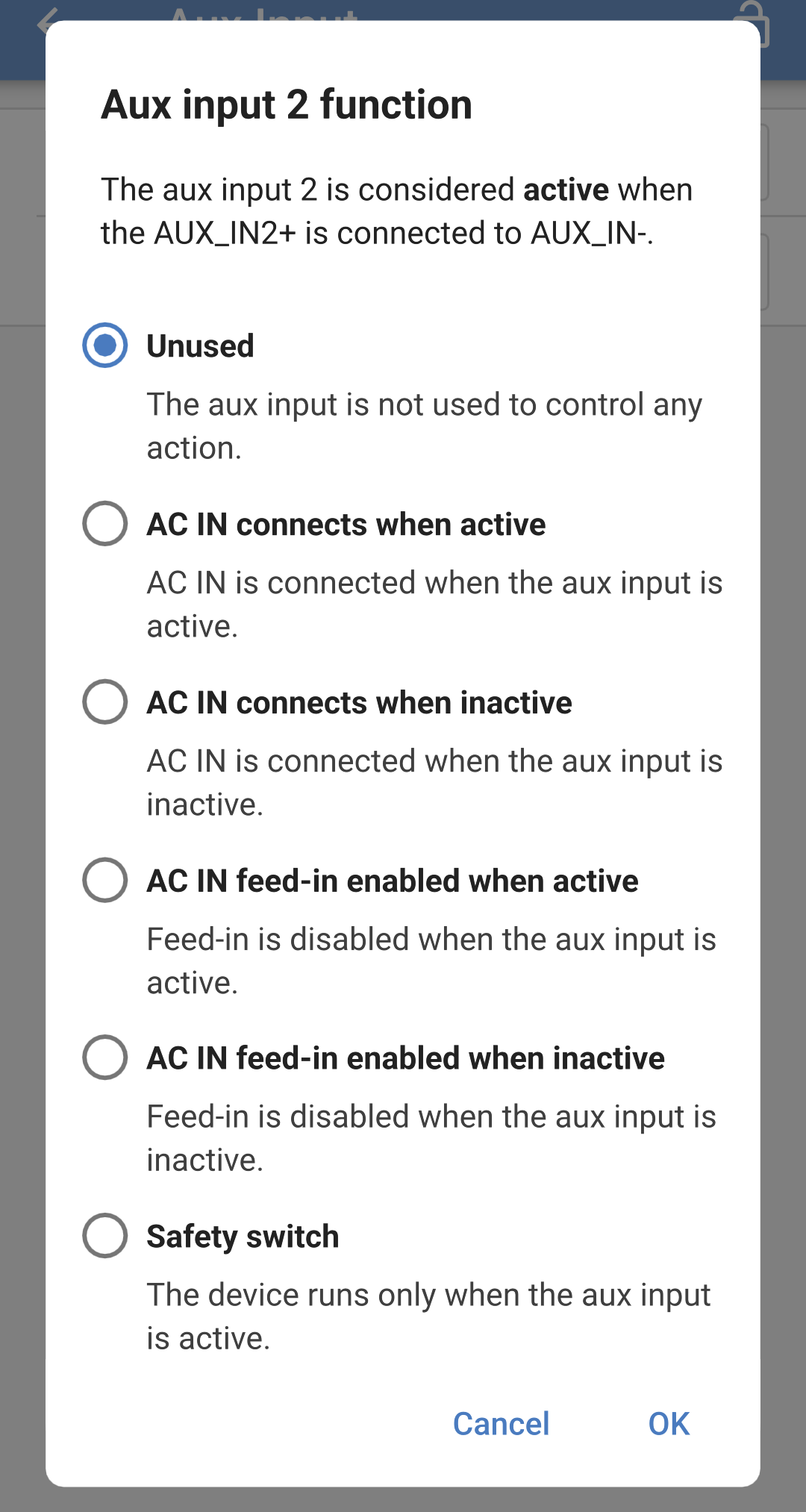
Choose one of the options from the popup box.

Note

An Aux input is considered active when it's corresponding AuxIN+ terminal is connected to the common AuxIN- terminal.

  • Unused: This input will have no function.

  • AC IN connects when active: When the Aux input is active, then the AC input will connect if AC is available. If the Aux input is inactive, then the AC input safety relays will be open, and the Multi RS will not connect to AC even if it is present.

  • AC IN connects when inactive: When the Aux input is inactive, then the AC input will connect if AC is available. If the Aux input is active, then the AC input safety relays will be open, and the Multi RS will not connect to AC even if it is present.

Note

The following two options are only available if a grid code has been set.

  • AC IN feed-in enabled when active: Feed-in to the grid will be enabled if the input is active, regardless of any grid code settings. This may be requirement from the grid operator.

  • AC IN feed-in enabled when inactive: Feed-in to the grid will be enabled if the input is inactive, regardless of any grid code settings. This may be requirement from the grid operator.

  • Safety switch: The Multi RS will only operate when the Aux input is active.

    Note

    If the REMOTE_L and REMOTE_H terminals are in a state that switches the Multi RS off, then this will override the Aux input Safety switch function, and it will remain off. For example, if the REMOTE_H and REMOTE_L terminals are open circuit, then the Multi RS will be switched off regardless of the state of the Aux input Safety switch

MultiRS_Aux_input_function.png