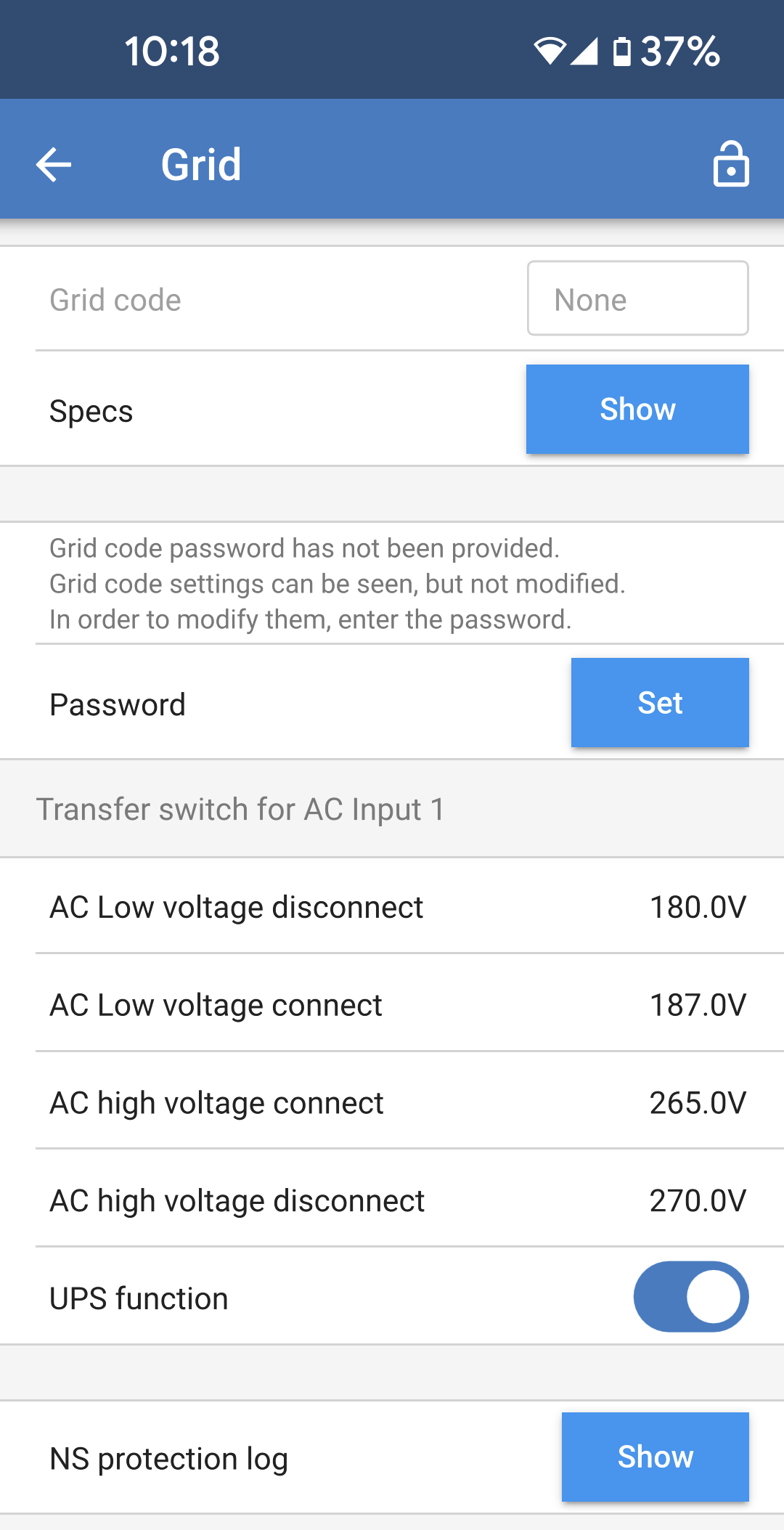
The grid settings page offers selection of a regional grid code and to adjust the AC input voltage limits. Grid code: The default option is None, grid feed in will not be possible. Select the appropriate grid code for your region. NoteThe Multi RS19 Solar is not yet certified for grid feed-in for all regions. More regions will be added when the Multi RS19 Solar is certified for them. Specs: Tap "Show" to view the specifications of the currently selected grid code. Password: There is a requirement from grid network operators that grid code settings be restricted to installers only.. Once the Multi RS19 Solar has been installed, there is usually no need to change the grid code setting. Please contact your installer for any further assistance.
The below settings allow upper and lower AC input disconnection levels to be set. If the AC input voltage goes outside of these limits, then it will be disconnected and not passed through to the AC output. When the AC input is disconnected then, when the operation mode is set to "On," the inverter will provide power to the AC output. AC low voltage disconnect: The AC input will be disconnected when the voltage drops below this level. AC low voltage connect: After a low voltage disconnect, the AC input will re-connect when the voltage rises above this level. AC high voltage connect: After a high voltage disconnect, the AC input will re-connect when the voltage drops below this level. AC high voltage disconnect: The AC input will be disconnected when the voltage rises above this level. UPS function: Toggle this setting on to enable faster transfer from AC input to inverter power. It may be necessary to disable this setting when using a generator. This is because the generator's output is less stable and may cause unwanted transfer to inverter when it is running. NS protection log: Any grid protection events are recorded in this log. Tapping on the "Show" button will list such events.
| |