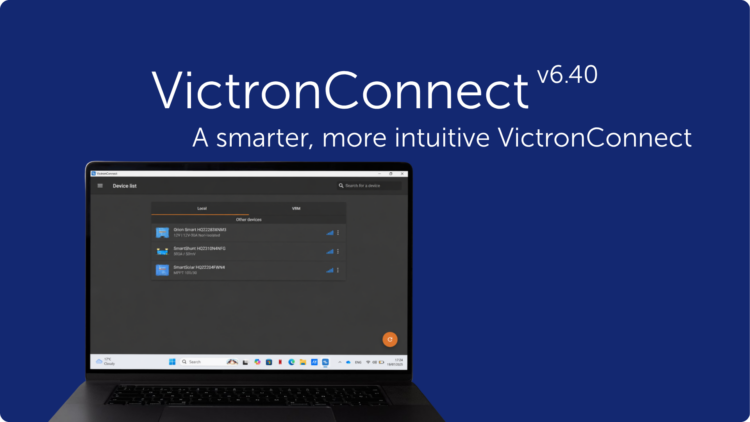
This VictronConnect app update is all about convenience and connectivity.
For installers, that might mean walking up to any installation with any type of laptop, and being able to connect and adjust product settings right away, without needing extra tools. It might also mean reviewing an older system’s configuration easily, or spotting an issue in a single battery in a battery bank without having to travel to the site.
For end-users, it might mean checking in on their system from their phone, in whatever theme they prefer, and getting a more detailed picture of what’s happening, wherever they are.
Released today, VictronConnect app v6.40 brings a range of updates designed to make system monitoring and management easier for end-users, as well as professionals. Let’s have a look at what’s new.
Bluetooth connectivity now on Windows
Many installers rely on a Windows laptop to configure, monitor, and troubleshoot Victron Energy products on site. Until now, this meant a wired connection, such as a VE.Direct USB cable for products like MPPTs and DC-DC chargers, or an MK3-USB cable for VE.Bus products like Multis and Quattros, regardless of whether the product was Smart (has built-in Bluetooth) or not.
With this update, the VictronConnect app now also supports Bluetooth connectivity for Windows laptops, so installers can connect to Victron Energy Smart products wirelessly, just like Mac laptops, or iOS and Android phones, already do.
One less cable to dig for in the toolbox, and one less thing that can go missing. A wireless connection also gives users the freedom to stand further away from the device while working.
Access settings files without needing the same app version
The VictronConnect app has long had a “Demo feature” where, along with many things, a saved settings file can be loaded through the Settings file manager, and the app then displays it as though it were connected to the real product, with the full snapshot of settings, readings, and history available for inspection, with only an orange “DEMO PRODUCT” banner as a reminder that no physical device is actually connected. This has allowed installers and end-users to review a system’s configuration, without needing to be on-site or connected to the actual product. More on how this works can be found on the Settings files page of the manual.
Until now, that inspection trick came with a catch: it only worked if the settings file had been saved with the exact same VictronConnect version currently installed on the device doing the inspecting. Since the VictronConnect app automatically updates itself, this sometimes made things a bit complicated. A file saved by a customer running whatever version had quietly updated onto their phone last week often simply wouldn’t open for an installer, even on a newer version of the very same app.
With the new VictronConnect v6.40, any settings file created with VictronConnect v6.30 or later can now be opened for inspection regardless of which version is currently installed (as long as it’s v6.40 or later), helping speed up inspections.
Seeing every battery in the bank, from anywhere
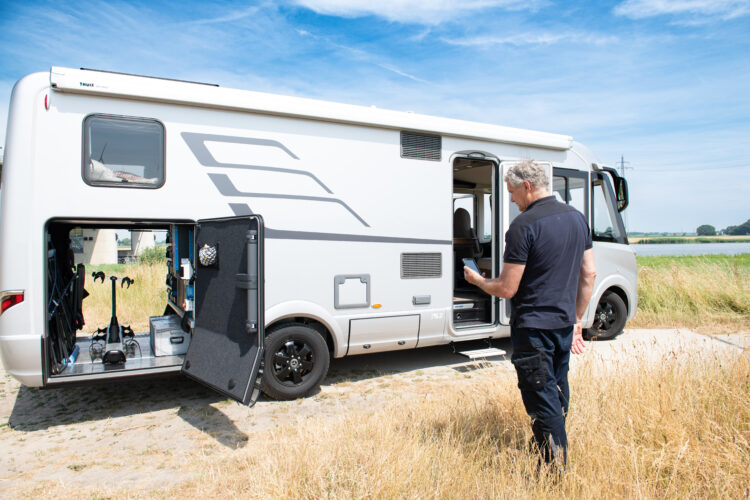
Speaking of speedy inspections, wouldn’t it be convenient to see individual battery details in a battery bank remotely, without having to travel to the site?
A battery bank is only as strong as its weakest battery, and finding that weak link has traditionally meant being physically present at the installation. With this release, individual battery details from the Lynx Smart BMS NG, including voltage, temperature, and status per unit, are now visible over remote connections, not just when locally connected.
For fleets, remote installations, or any system where a service visit is expensive or slow to arrange, the outlier battery can now be spotted from a desk, with a clear picture of what’s going on before the installer has to pack up their van.
SolarSense 750 data, now ready for further analysis
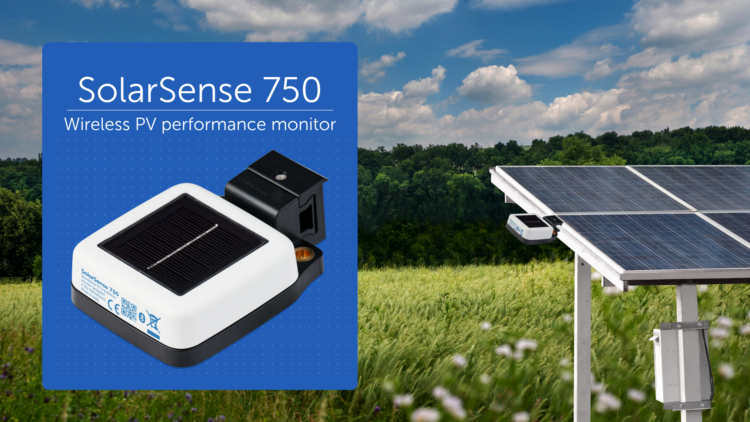
We recently introduced the SolarSense 750, a compact, wireless PV performance monitor designed to help optimise PV energy usage and monitor the health of a PV installation. It measures irradiance, available power, estimated daily min/max solar power (kW), and estimated daily yield (kWh), and logs its own history. Until now, though, that history stayed inside the app.
With VictronConnect v6.40, that historical data can now be exported straight to CSV. For installers and integrators doing performance analysis, it is now easier to validate expected solar yield against what a system is actually producing, decide on the optimal position and angle for installing the panels, or put together a report for a client.
Your app, your view
While most of the features that we’ve mentioned so far will mainly be appreciated by professionals, VictronConnect v6.40 also comes with features for everyone using the app regularly, for example the new dark mode.
The app can now follow the phone or laptop’s system theme automatically, or light or dark mode can be set independently, regardless.
Wrapping up
VictronConnect v6.40 brings installers and distributors a faster way to connect on site, easier access to a system’s history and battery health from a distance, and a more flexible way to inspect settings files. For end-users, it means an app that looks the way it’s wanted and feels more at home on a phone, wherever it happens to be checked from.
If you’d like to see the full list of changes included in this update, check out the VictronConnect change log. We hope everyone enjoys using these new features. And as always, we really appreciate your feedback as it shapes future improvements, so feel free to share your experience or suggestions in the Victron Community.