2. Download and installation
VictronConnect is available to users of Windows PCs, macOS X, iOS, Android and Linux AppImage. Use this link to download the app suitable for you.
See chapter 4 for details regarding compatible phones, tablets and laptops, as well as required minimum Operating System versions.
2.1. Application setup
After you have installed VictronConnect, you can set up your preferences for the application.
Note
The settings described here only affect the VictronConnect application. These are not product settings.
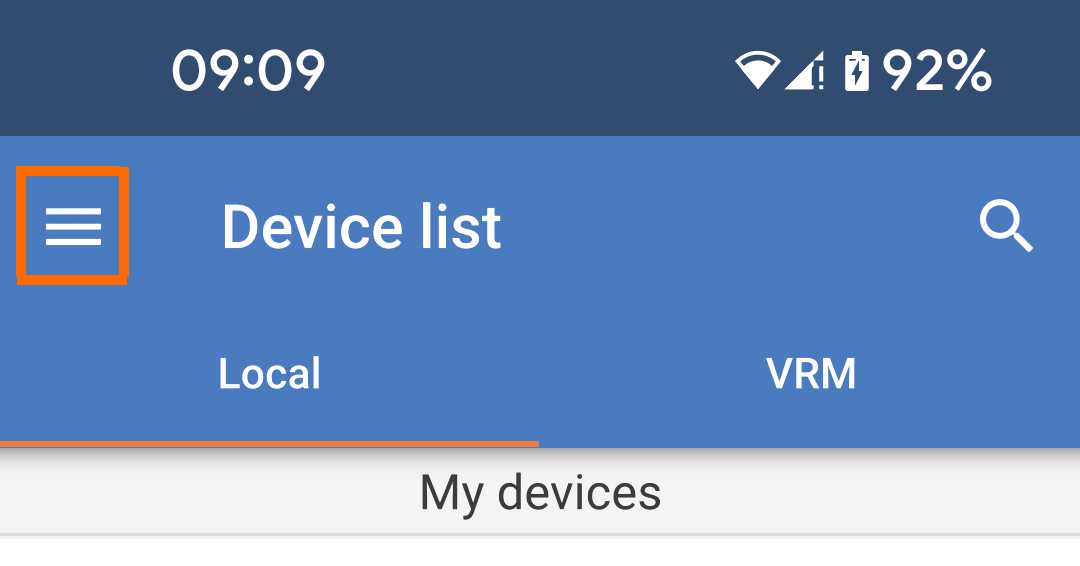
Tap the "hamburger" menu icon at the top left of the page. |
| |
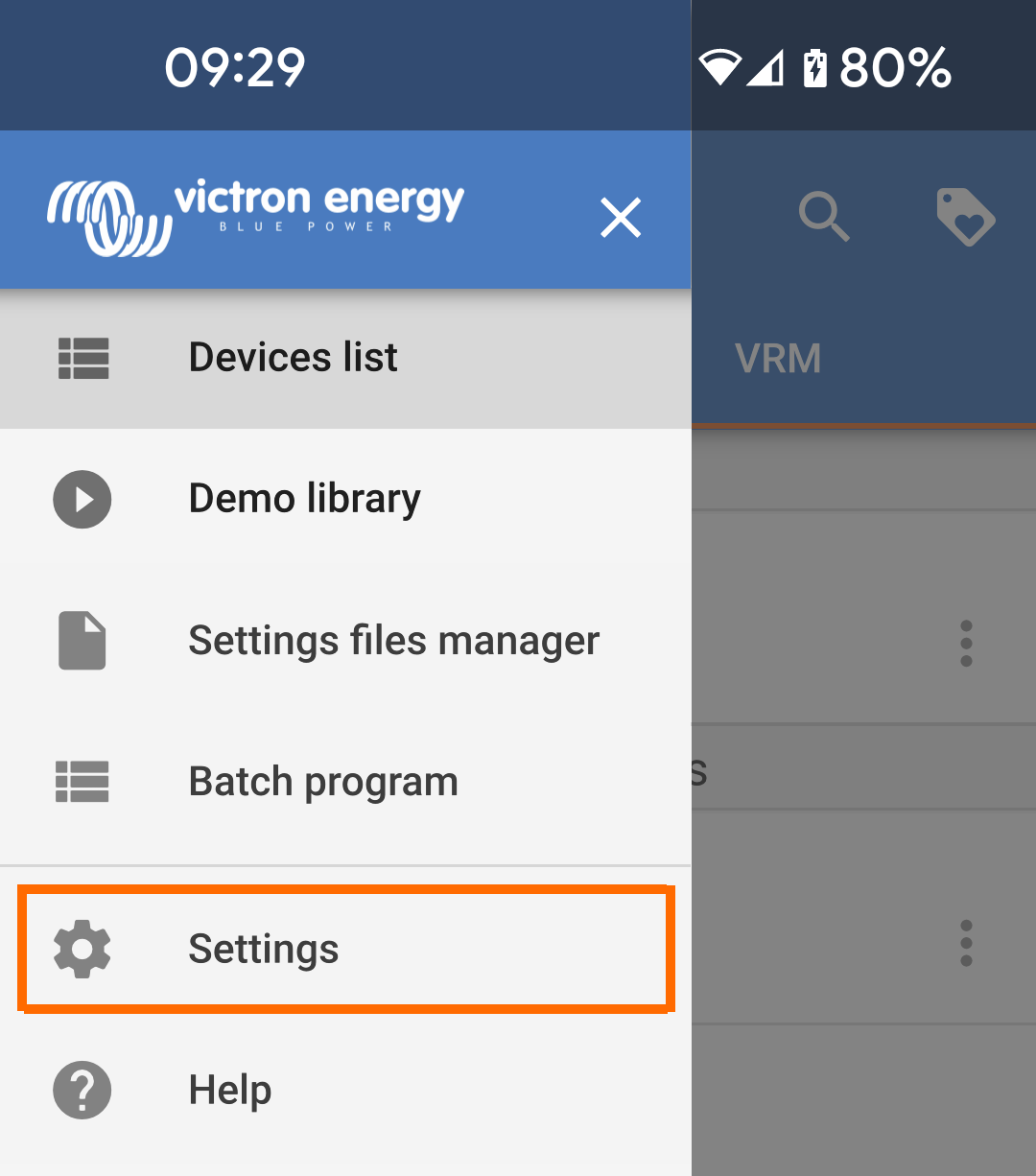
Select "Settings" from the drop-down menu. |
| |
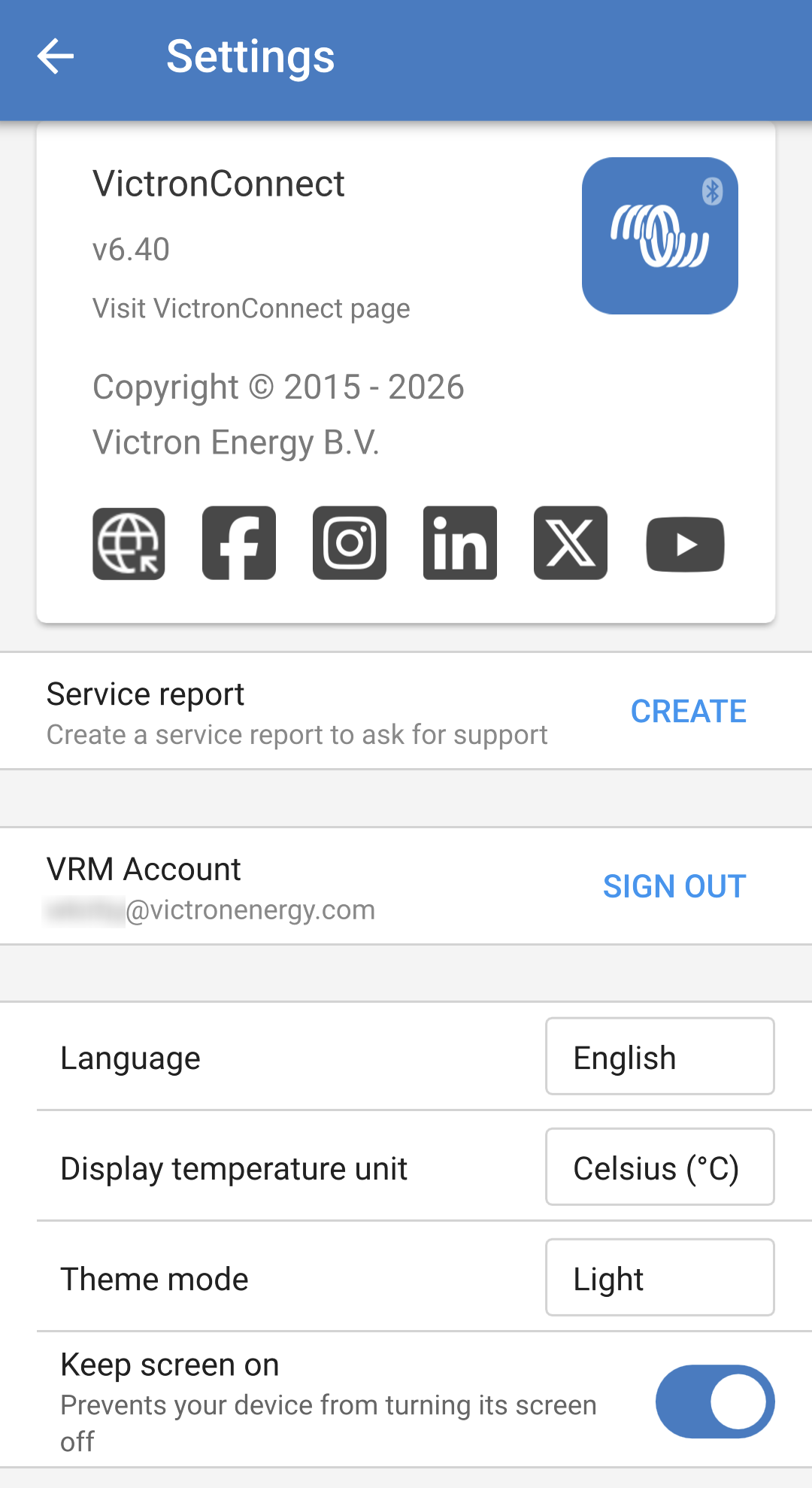
The VictronConnect application settings page shows the version number at the top. There is a link to the VictronConnect page on our website and links to various social media channels.
|
| |
|
|