2. Installation
2.1. What's in the box
The Battery Switch ships together with the following items:
Battery Switch
Instruction booklet with mounting template
Interchangeable label sticker sheet
4 mounting screws
2.2. Mounting
The Battery Switch can be mounted in two ways:
Surface mount
Rear panel mount
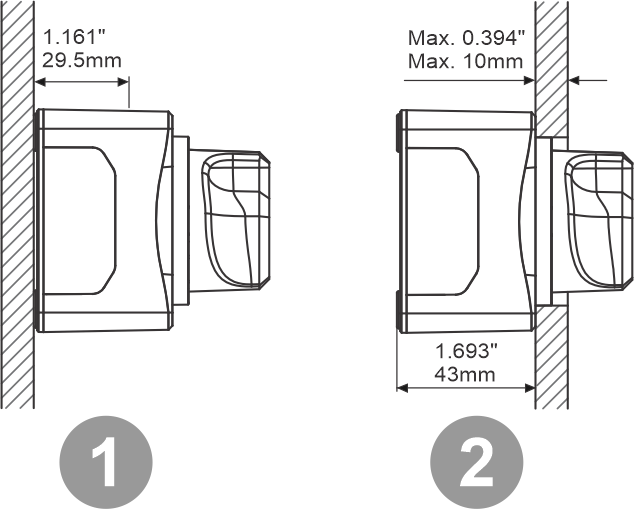
Two different mounting ways.
The battery switch packaging contains a actual size cutout. Use this to mark the screw holes and in case of rear panel mount to mark the hole for the knob. For the dimensions of the Battery Switch see the Enclosure dimensions chapter.
Screw holes. 4 holes, one on each corner.
Mounting hole for rear panel mounting.
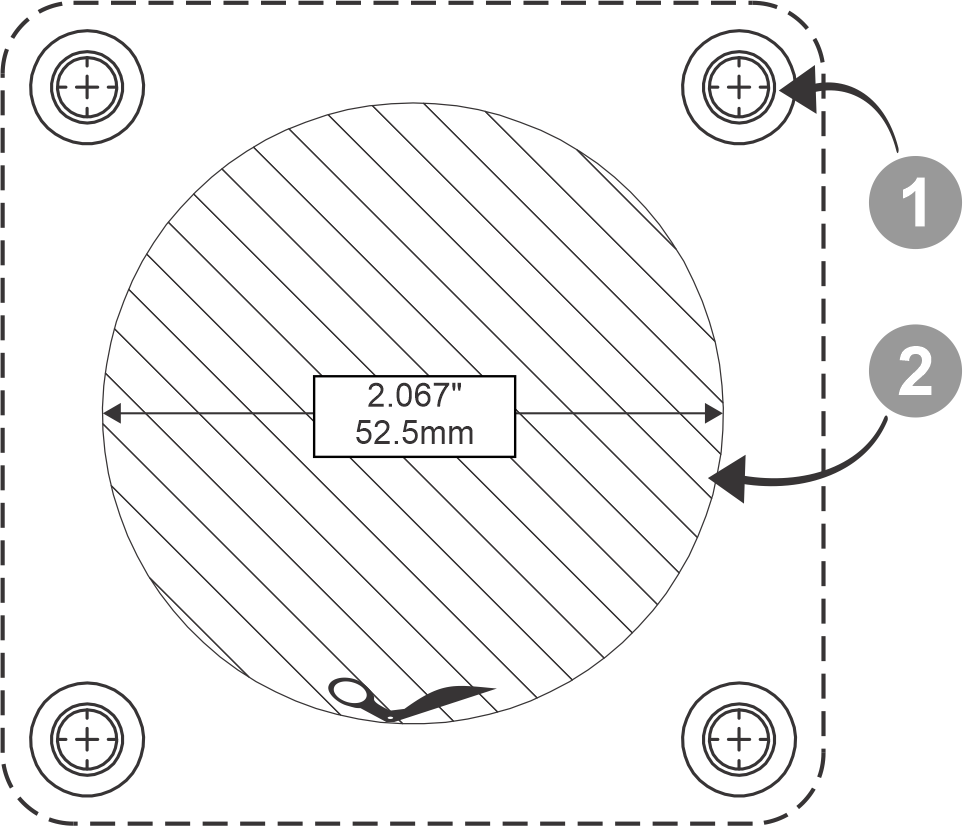
Mounting hole template. Not to scale, use the cutout from the Battery Switch packaging.
2.3. Label sticker
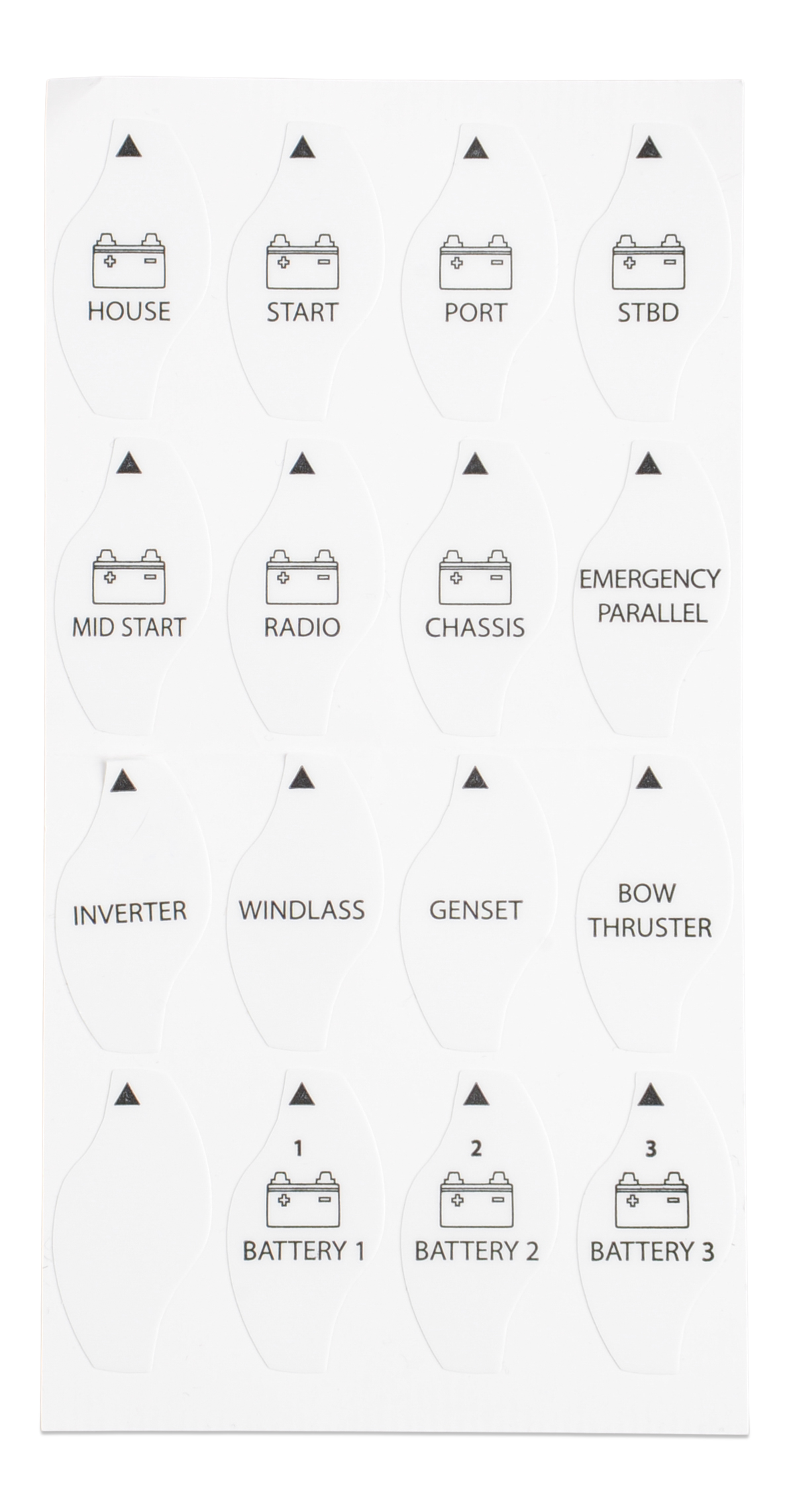
The Battery Switch ships with a sticker sheet containing 16 different label stickers.
Select the sticker that best corresponds with the circuit the Battery Switch is used in.
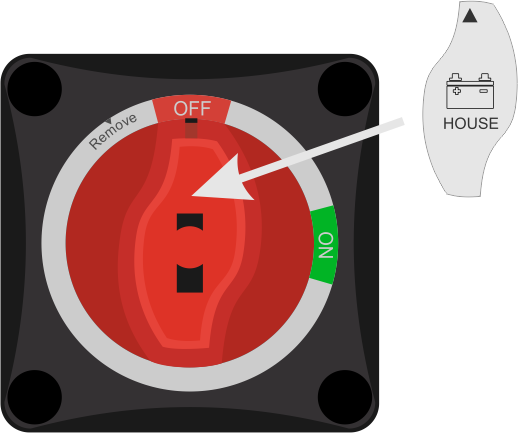
Remove the sticker from the sticker sheet and place it on the knob of the Battery Switch as indicated in below image.
Label sticker sheet |
Affixing label sticker |
2.4. Wiring
Wire the Battery Switch into the electrical system as follows:
Disconnect the positive battery terminal.
Mount the Battery Switch onto the desired surface (surface mount) or panel (rear panel mount).
Remove the appropriate side-plate for cable access. Do not remove the side-plate facing upward as water may get in from the top.
Use 120mm² (4/0 AWG) cables on all terminals to meet the Battery Switch current rating.
Connect one terminal to the positive battery cable. Connect the other terminal to the positive cable of an alternator, load circuit or second battery (depending on installation type).
Make sure that all nuts and locker washers are properly attached and the nut is tightened with a recommended torque of 8Nm (maximum 12.5Nm).
Reconnect the positive battery terminal.