2. Downloaden en installeren
VictronConnect is beschikbaar voor gebruikers van Windows PC's, macOS X, iOS, Android en Linux (AppImage). Gebruik deze link om de geschikte app te downloaden.
Zie hoofdstuk 4 voor meer informatie over compatibele telefoons, tablets en laptops, evenals de vereiste minimale versies voor besturingssystemen.
2.1. Instellingen
Nadat de VictronConnect geïnstalleerd is, kunnen de voorkeuren voor de toepassing ingesteld worden.
Opmerking
De hier beschreven instellingen zijn alleen van invloed op de VictronConnect toepassing. Dit zijn geen productinstellingen.
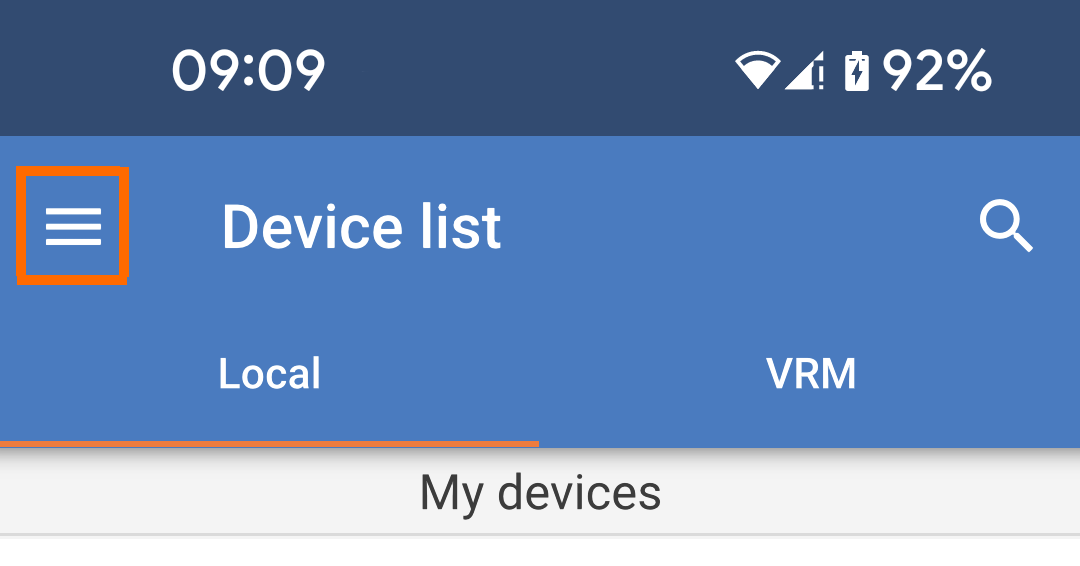
Tik op het ”hamburger” menu pictogram links bovenaan de pagina. |
| |
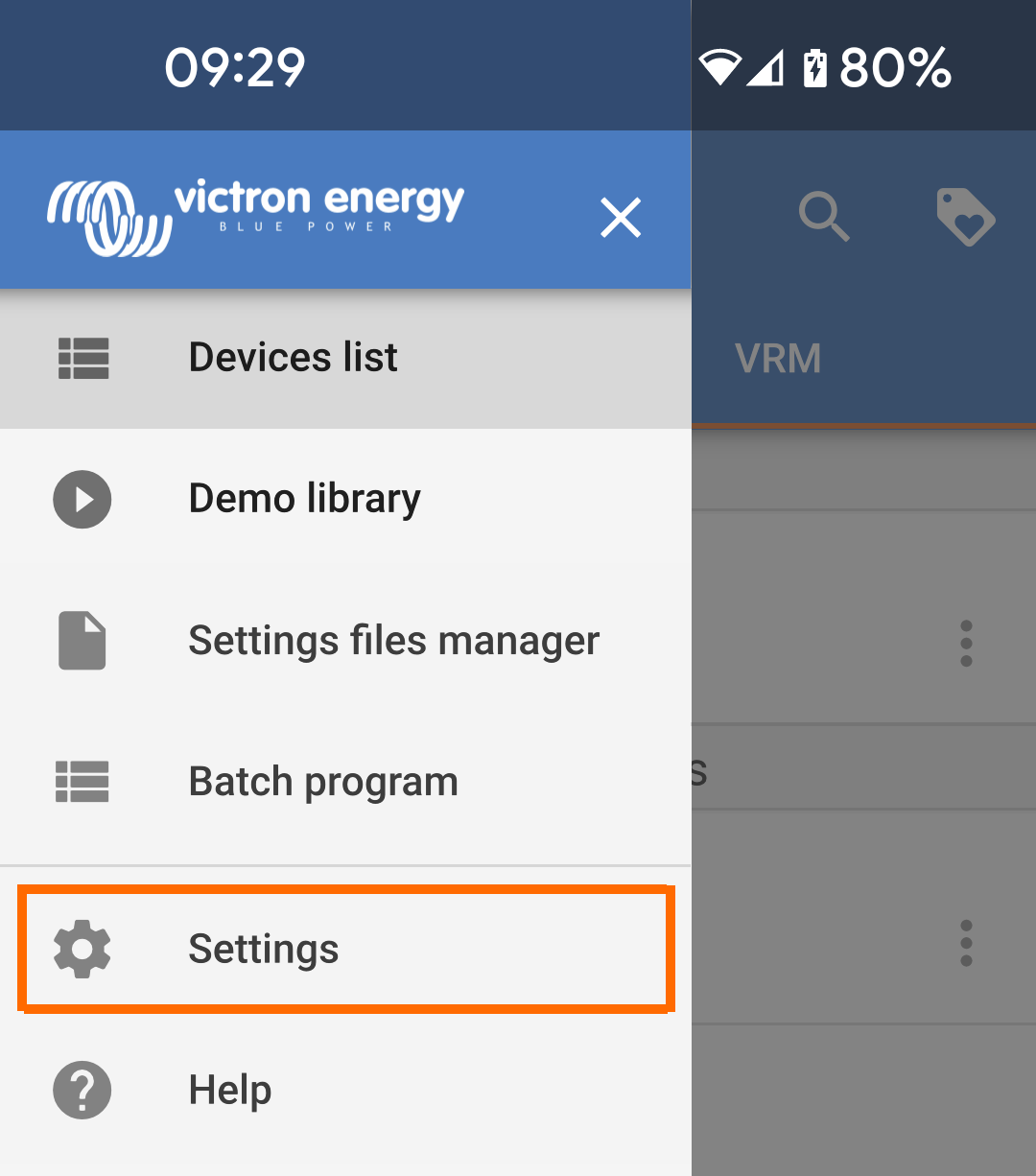
Selecteer ”instellingen" uit het menu. |
| |
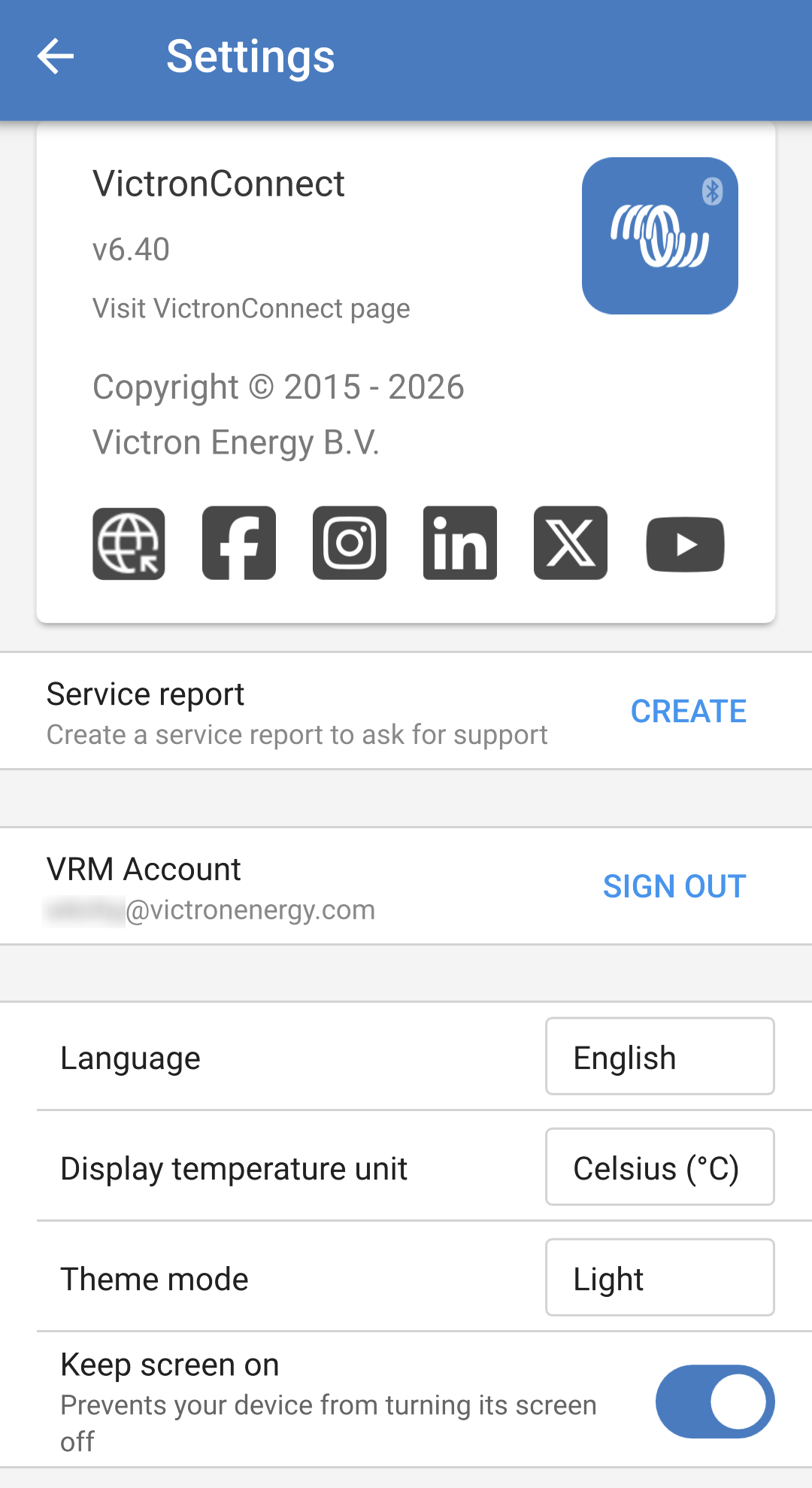
Op de instellingenpagina van de VictronConnect app staat het versienummer bovenaan. Er is een link naar de VictronConnect pagina op onze website en links naar verschillende sociale media kanalen.
|
| |
|
|